peel back the package first
review before you install.
scans npm packages and vs code extensions on your machine — lifecycle scripts, credential reads, suspicious payloads, optional socket lookup.
- spots risky scripts before they run
- bun, npm, yarn, pnpm, vs code
- no telemetry
very early stage. a warning layer, not proof packages are safe.
http-utils-plus · review
HIGH postinstall — network exfiltration to api.evil.dev
MED preinstall — remote script via curl
LOW prepare — build script with fs access
what it checks
six things on every package
lifecycle scripts
preinstall, install, postinstall, prepare
remote downloads
curl, wget, fetch
file system access
reads, writes, sensitive paths
network activity
external host connections
policy & licenses
cves, allow / block rules
socket signal
optional socket.dev score
how it works
stage → scan → decide
nothing installs until you approve. data stays on disk unless you opt into socket.
- 1
stage
package to
.scguard/cache. - 2
scan
heuristics + optional socket score.
- 3
decide
approve or stop the install.
-
your project
-
scg sandbox
-
report
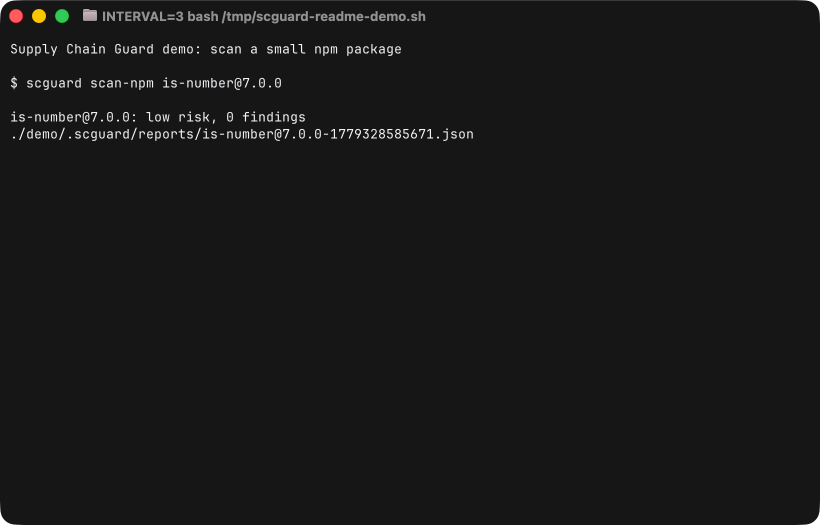
in motion
see it work
loading captured output…
commands
scguard install <pkg> --agent codexgate + optional agent.scguard scan-vsix <path>extension scan.scguard doctorenvironment check.scguard shell-hookhook package managers.scguard config --preset stricttwo presets: default, strict.make installs boring again.
curl -fsSL https://raw.githubusercontent.com/pc-style/supply-chain-guard/main/install.sh | bash